

The "Digital Shoebox" Photo Album

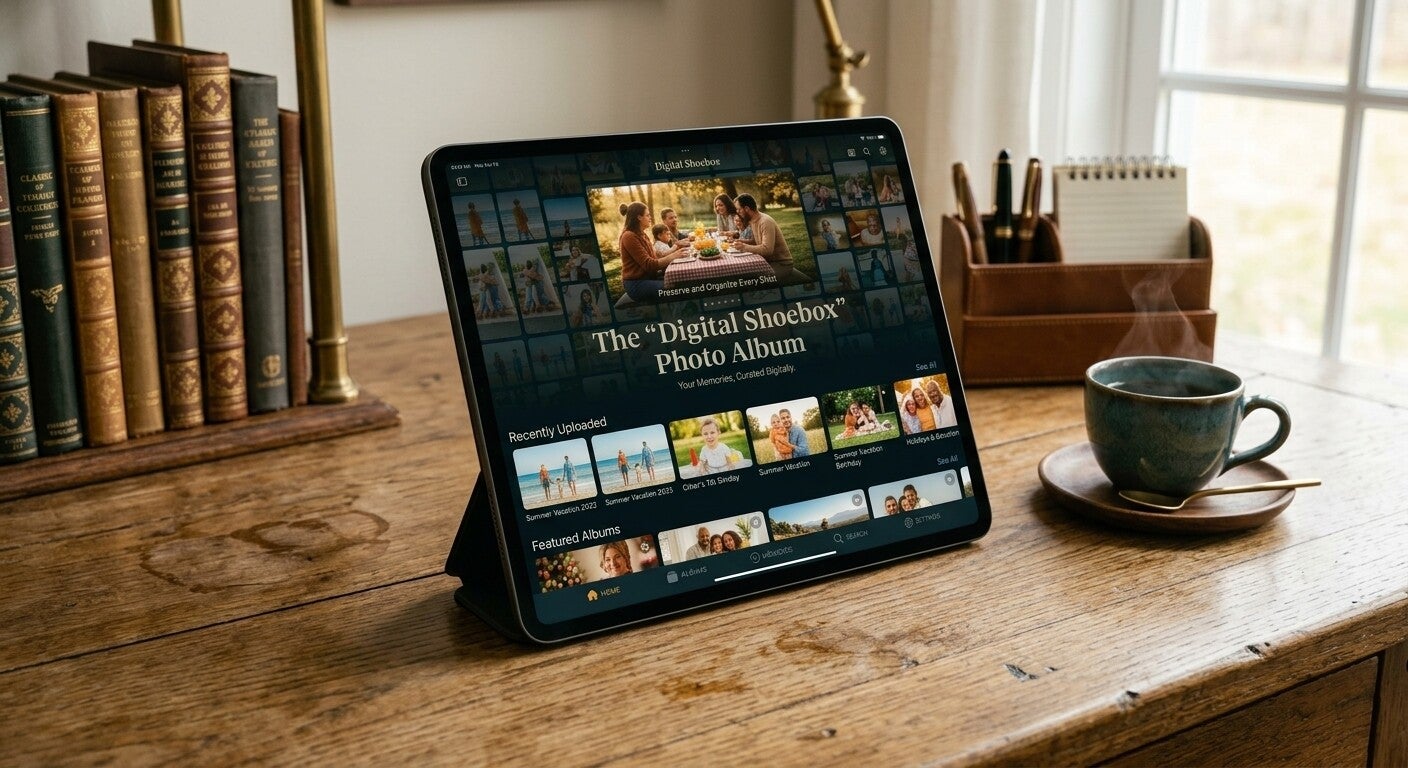

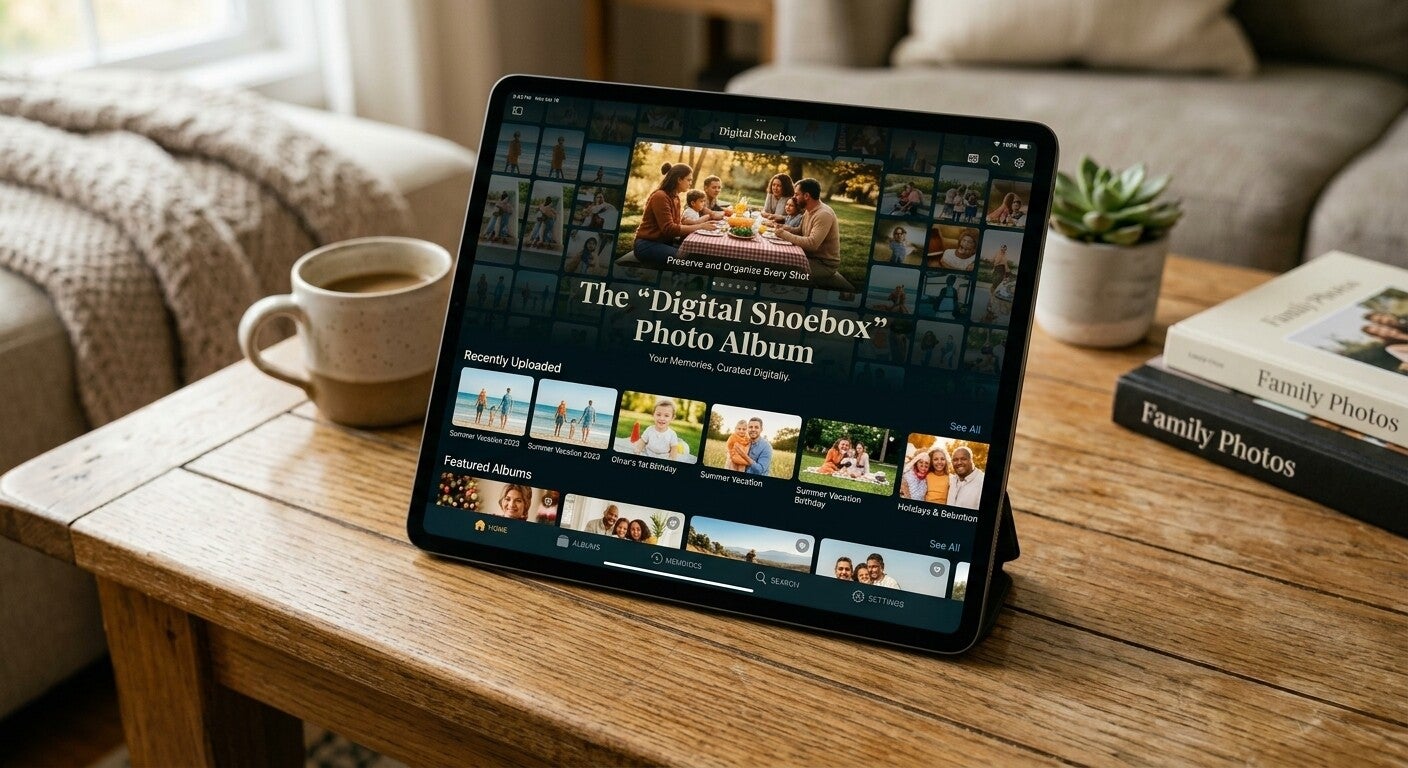
Preserve Your Past, Effortlessly.
Transform physical clutter and old memories into crisp, beautifully organized online photo galleries. Easily accessible for the whole family to view, share, and cherish without worrying about lost or damaged physical prints.
How Our “Digital Shoebox” Photo Album Works
Those boxes of old family photos hold precious memories—but sorting, organizing, and protecting them can feel overwhelming.
Our “Digital Shoebox” Photo Album service helps turn your physical photos and old memories into a beautifully organized digital collection that your family can easily access, enjoy, and share.
1. Choose Your Digital Shoebox Service
Purchase the service and get simple instructions for sending us your photos.
You don't need to organize everything yourself—we'll help take care of that part.
2. Gather Your Photos
Collect the physical photographs you would like to have organized.
These can include:
- Family photos
- Birthday and celebration pictures
- Wedding memories
- Old family gatherings
- Travel and vacation photos
- Special moments from the past
3. Send Us Your Photos
Send or provide your photos to us according to the service instructions provided after your purchase.
You don't need to sort them perfectly beforehand. Simply send us the photos you'd like included, and we'll organize them for you.
4. We Organize Your Memories
We'll carefully organize the photos into a clean and easy-to-browse digital collection.
Photos can be arranged into logical groups or albums to make finding special memories easier.
5. We Create Your Digital Photo Album
Your memories are transformed into crisp, beautifully organized online photo galleries that are easier to view and enjoy.
The goal is to make your collection feel organized—not like a digital version of a messy shoebox.
6. Your Finished Album Is Delivered Digitally
When your Digital Shoebox is finished, we'll send you instructions and a private access link to your completed online photo album.
You will receive the information you need to access your collection digitally.
Depending on the service you selected, delivery may include:
A private gallery or album link
Delivery through your provided email address
Instructions for accessing the album on your phone or tablet
Instructions for viewing the collection on a computer
You won't need to download complicated software just to view your memories.
7. How You Access Your Memories
After receiving your completed album, simply:
1. Open the link we provide.
2. Follow the access instructions.
3. View your organized photos.
4. Browse through your albums and memories.
5. Share access with family members when appropriate.
Your digital album can be accessed from a smartphone, tablet, or computer, as long as you have an internet connection.
8. Share With Your Family
One of the best parts of going digital is being able to share your memories with the people you love.
9. Keep Your Digital Memories Safe
Once you receive your completed album, we recommend keeping the access information somewhere safe and easy to find.
10. Enjoy Your Memories Anytime
Once everything is organized, you no longer have to dig through boxes just to find one special photograph.
Your memories are organized into one convenient digital collection that you can return to whenever you want.